Token - Azure (Entra) Admin Center - Update SCIM Token:
About:
This page describes how to create an SCIM Token in Azure (Entra) Admin Center.
How to:
-
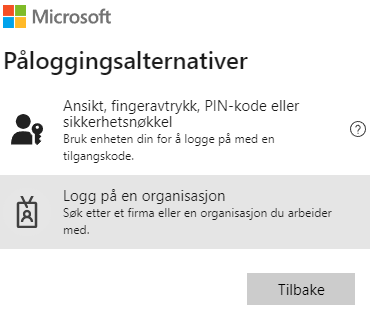
First you need to have an account withAzure (Entra) Admin Center and sign in.
-
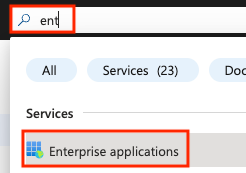
Search for Enterprise Applications and click it.
-
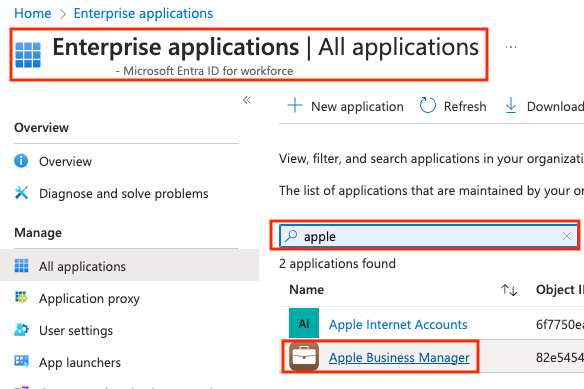
Search for Apple Business Manager and click that.
-
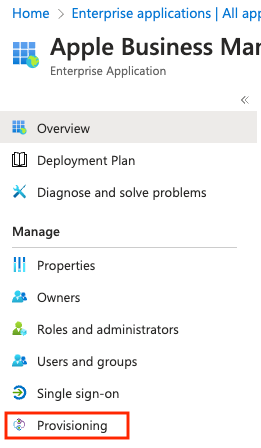
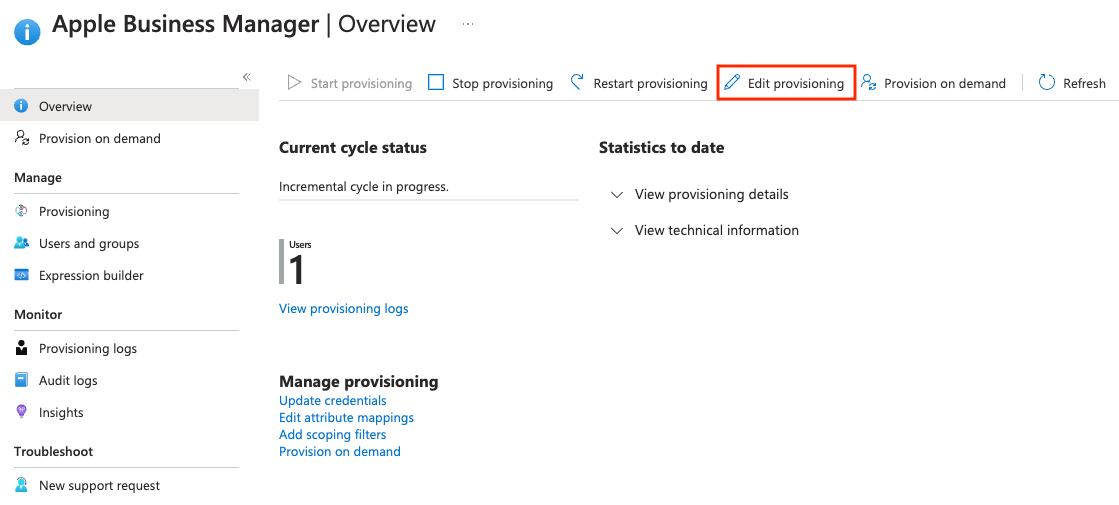
Click Provisioning.
-
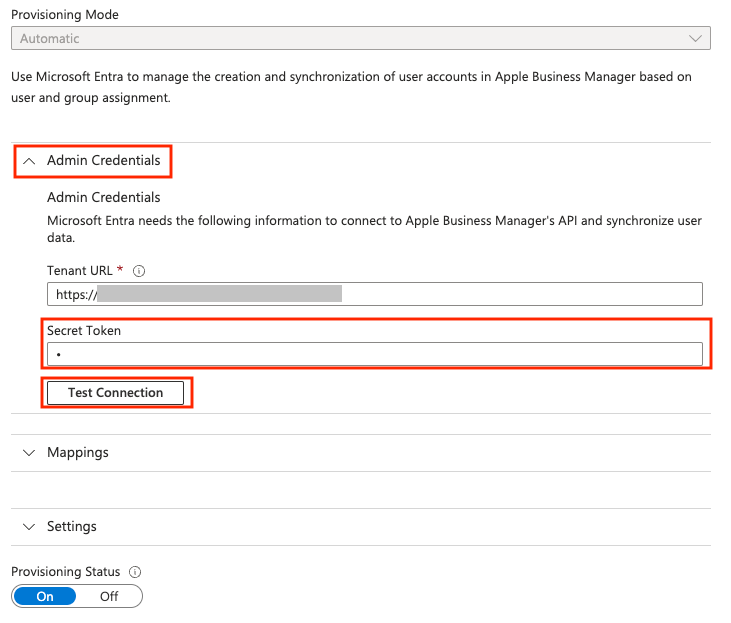
Click Edit Provisioning and look for Admin Credentials, and then Secret Token.
Paste in what you copied earlier (Token - Apple Business Manager - Create SCIM Token).
-
Click Save.
And you are done. 😄