Eye-Share - Access Eye-Share:
About:
This article explains how to access Eye-Share using your company login credentials.
What is Eye-Share?
Eye-Share is a business application used by organisations to manage workflows, tasks, and reporting. It helps streamline processes and ensures that work is tracked and completed efficiently.
- Eye-Share is not a Microsoft product.
- Many organisations use Microsoft Azure for logging in, so users access Eye-Share with their company credentials.
- It is commonly used to monitor transactions, approvals, or other operational tasks depending on the organisation’s setup.
What are Azure credentials?
Azure credentials are the username and password you use to access Microsoft cloud services that your organisation uses, such as Office 365, Teams, SharePoint, or Eye-Share.
- They are usually the same as your company email login.
- Azure is Microsoft’s cloud platform that manages user accounts and security.
- Using Azure credentials ensures that only authorised employees can access company systems.
Example:
- Username:
john.smith@company.com - Password: Your company password
When a system asks you to sign in with Azure, it is verifying your identity through your company’s Microsoft account.
How to:
1, Copy the Eye-Share link and paste it into your web browser.
2, When the sign-in page appears, select Azure as the login method.
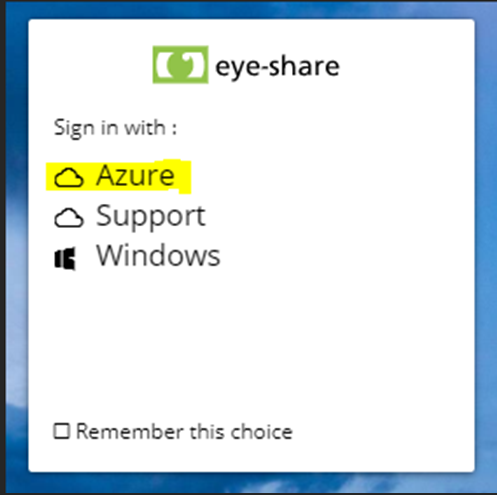
3, Sign in using your company Azure credentials.
And you are done 😄