Jenkins - Add a query for project:
About
This document shows you how to add a query for every monday 08:00 each month in the sunshine project and remove the query test_02 from test.
How to:
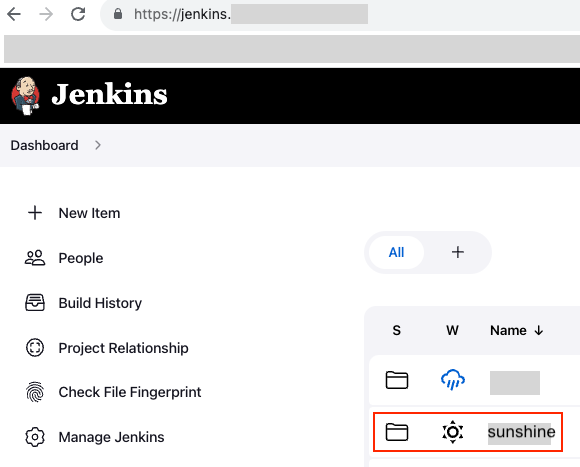
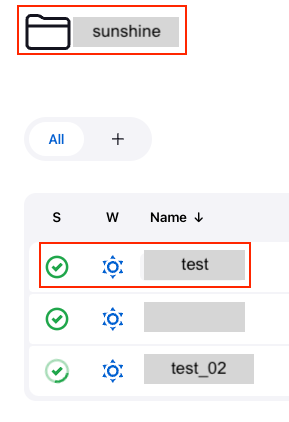
- Go to Jenkins and your area in your current company. Find the right folder. Let us call it sunhsine. Click it.
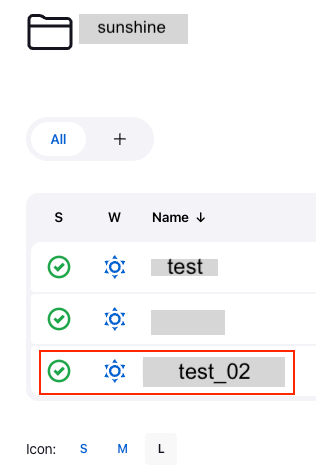
- In this case, click the test_02 button.
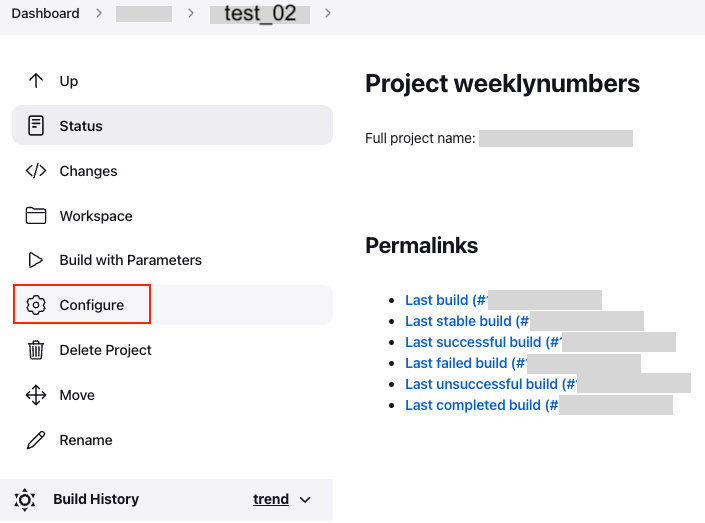
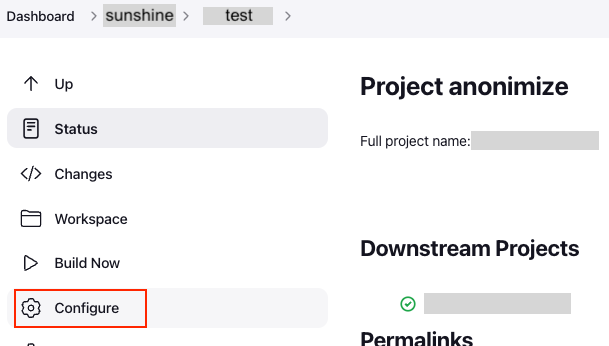
- To the left, you will find a button called ‘Configure’. Click it.
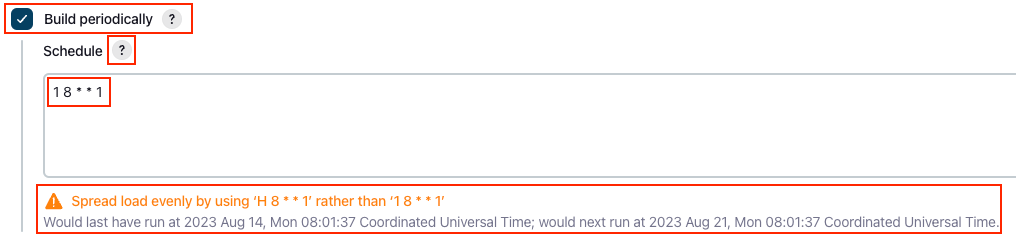
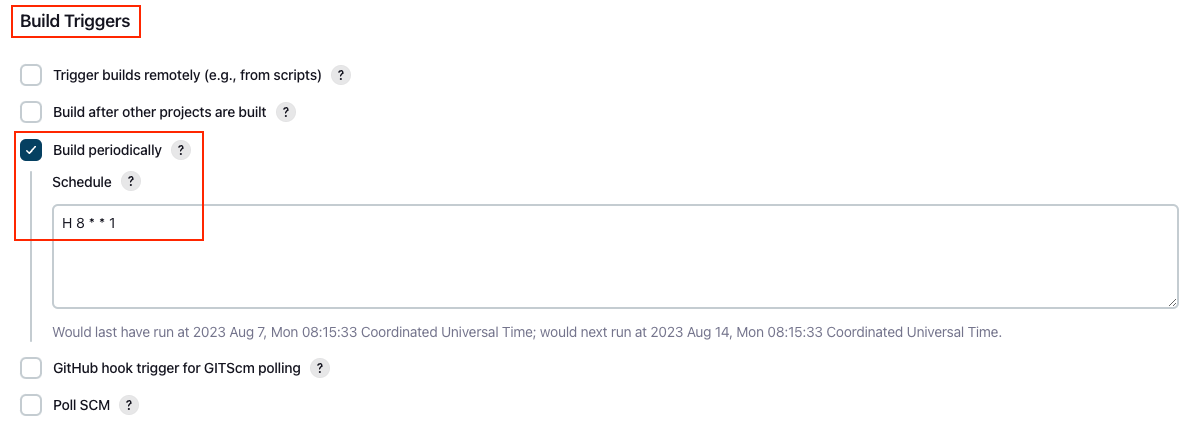
- You are going to change the time in this query. Scroll down until you find a headline called Build Triggers. Click the button called Build periodically and type in the new schedule for the cronjob. In this case it is H 8 * * 1. In this case we want the task to run _At 08:01 on Monday'.
!! IMPORTANT !!
The first number 1 should be replaced by the letter H as seen in the picture below:
Cronjob Schedule Explanations:
- The new configuration should now look like this picture below. Click the ‘Save’ button at the bottom of the page when this is done.
- Go back to the sunshine folder and click on the test.
- Find the button ‘Configure’ again and click that.
- Scroll down until you find a headline called ‘Post-build Actions'. Simply remove the ‘weeklynumbers’ by deleting the text.
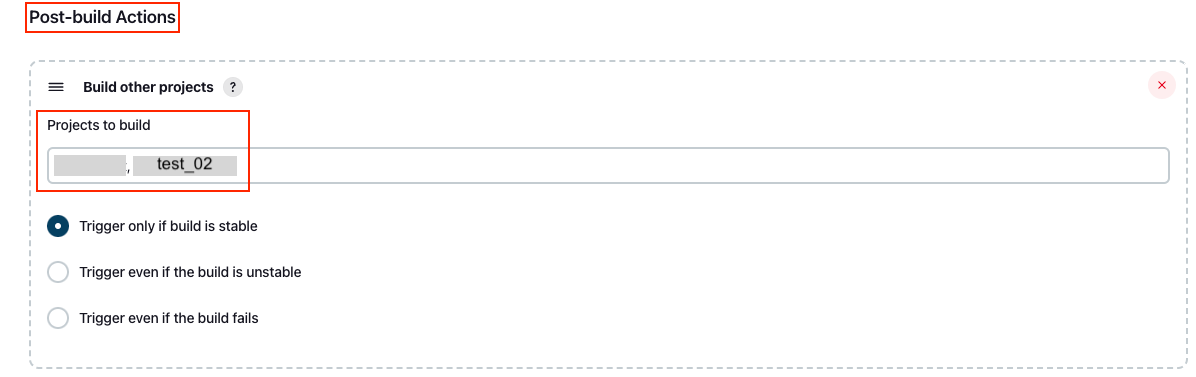
The new picture should look like this now.
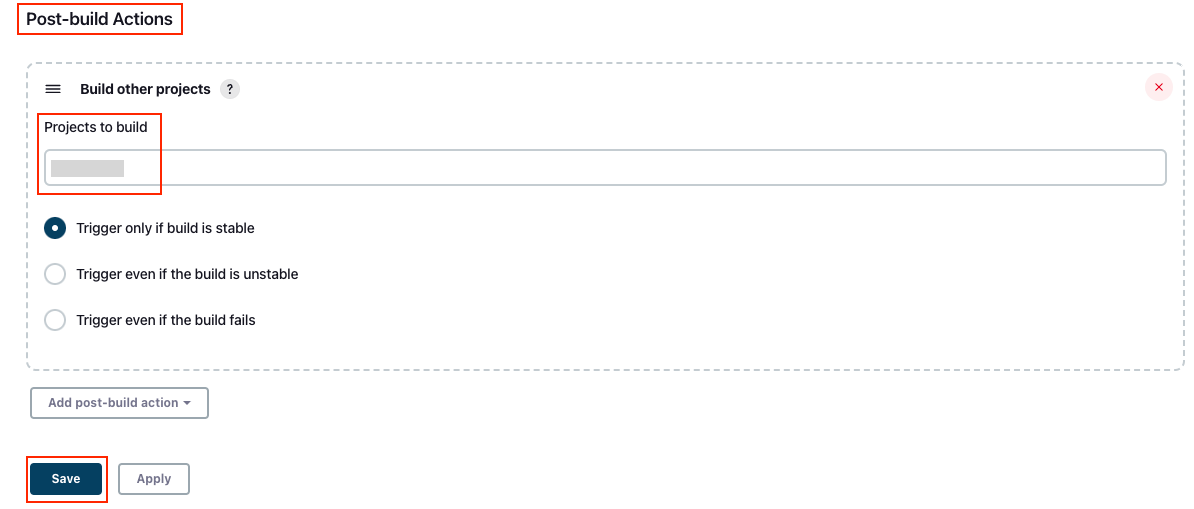
And you are done. 😄