Make a bootable USB (MAC):
About:
This is a document that explains how to make a bootable USB with the MAC Operative System on it.
How to:
-
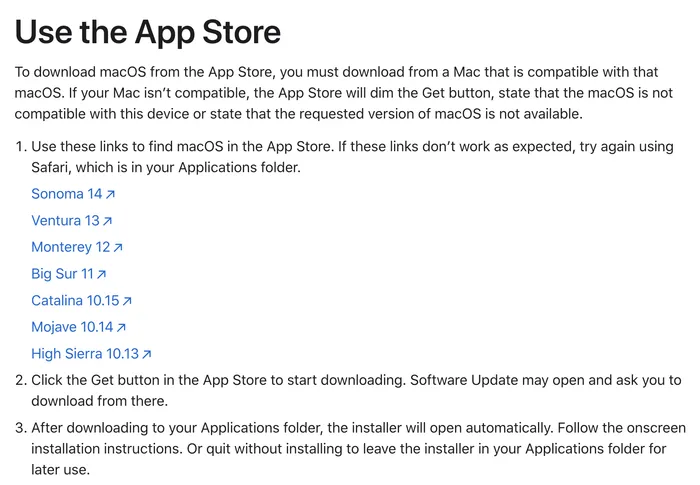
First of all, download the OS here:
How to download and install macOS – Apple Support (UK)
-
Follow what it says here. In this very example, we downloaded ‘Sonoma 14’.
-
Now that the file is downloaded, go to the Terminal and type in:
sudo /Applications/Install\ macOS\ Sonoma.app/Contents/Resources/createinstallmedia --volume /Volumes/nameofyourUSB
-
Then wait. And click ‘YES/OK’ when prompted with a question.

-
When the “timer” is complete, the USB should have changed name to ‘Install macOS nameofos’.
And you are done. 😄