VNC Viewer - Install and sign in to Server (MACOS)_AD:
About:
This document explains how to install and sign into the VNC Viewer Server.
How to:
-
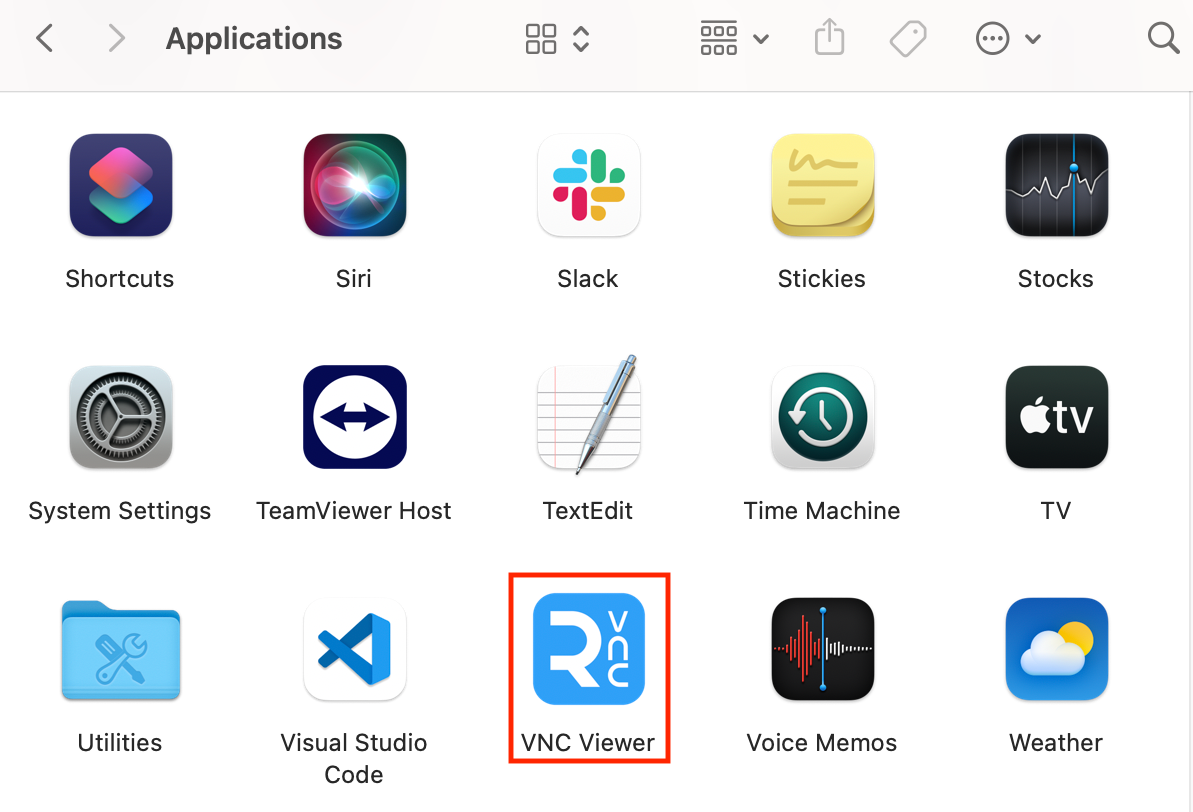
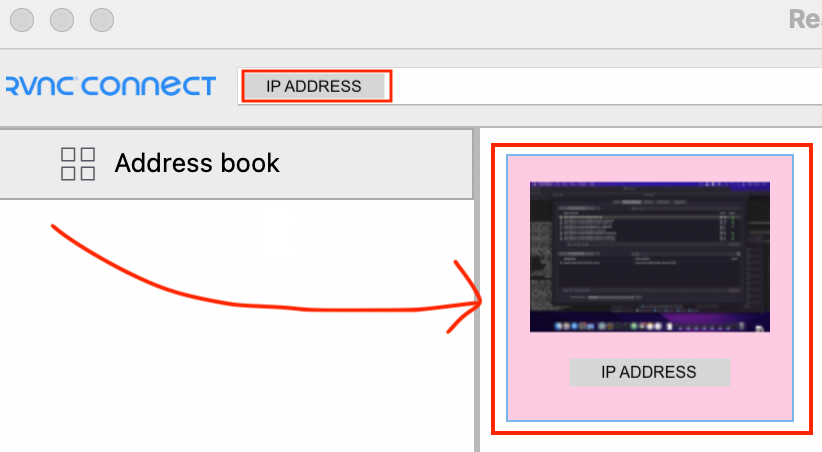
Install VNC Viewer and open it. Type the correct IP address for the server into the RCNC CONNECT field and click enter on your keyboard. Then double click on the server that is now connected.
-
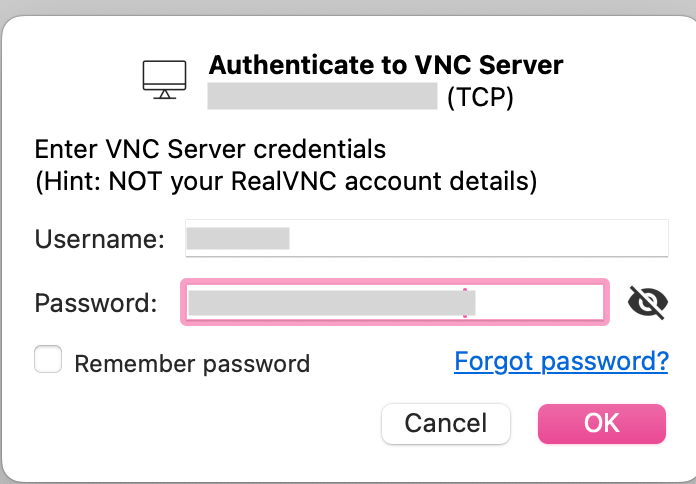
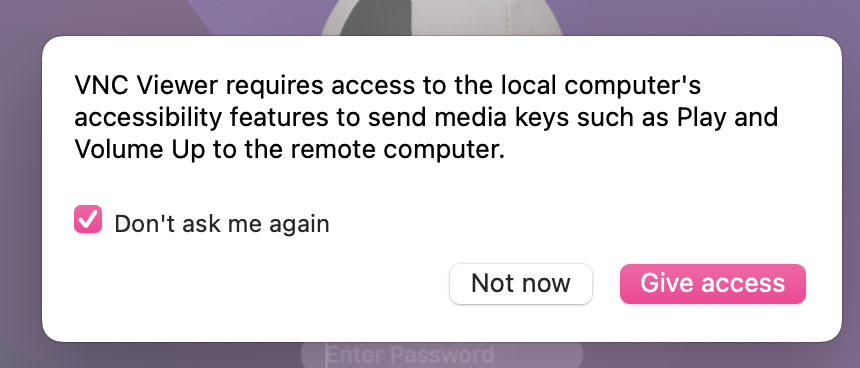
Use the password and sign in. The passwords are usually stored in a password manager. Search for the server name.
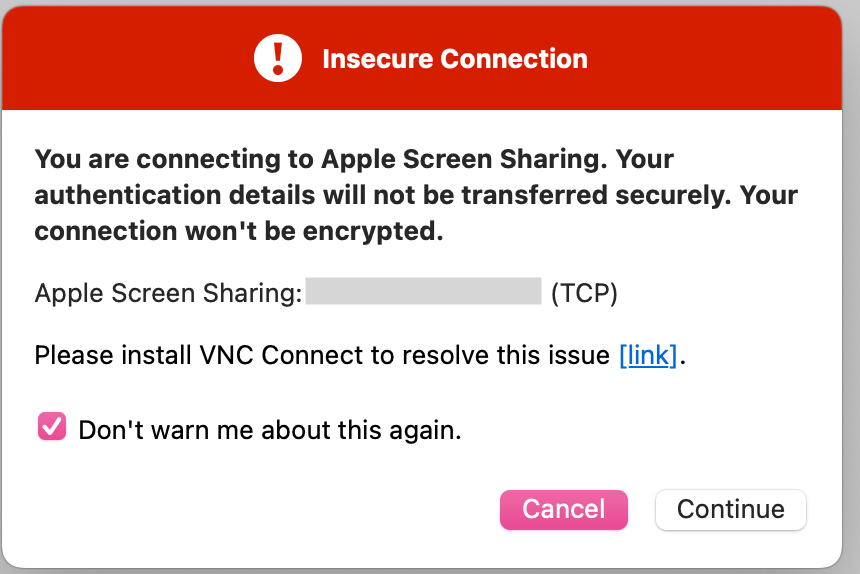
Link to VNC Connect if you need it:
https://www.realvnc.com/en/connect/
And you are done. 😄